Introduction
The IP address 192.168.1.1 is one of the most widely used private network gateway addresses in the world. Many users mistakenly type it as 192.168.l.1, which is incorrect because the letter “l” is often confused with the number “1”. This small typing error prevents users from accessing their router settings, making it a common search topic online.
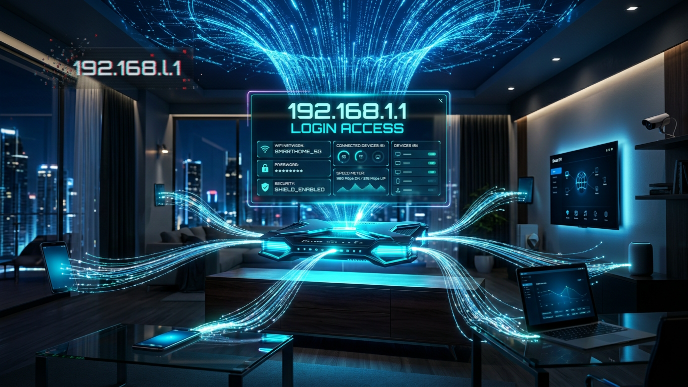
In networking, 192.168.1.1 is typically used as a default gateway for home and office routers. It allows users to access the router’s admin panel, where they can manage WiFi settings, change passwords, configure security options, and troubleshoot network issues. Understanding this IP address is essential for anyone using broadband internet or wireless networks.
What Is 192.168.1.1?
192.168.1.1 is a private IPv4 address used as a default gateway for many routers. It belongs to a reserved range of private IP addresses that are not accessible directly from the public internet. These addresses are used internally within local area networks (LANs) to manage communication between devices.
As explained in networking documentation, private IP addresses like 192.168.1.1 are commonly used by routers from brands such as TP-Link, Netgear, D-Link, and Linksys. These routers assign this address so users can easily access configuration settings through a web browser.
Because it is a private IP, it does not represent a website or external server. Instead, it acts as the control panel entry point for your internet connection.
Why 192.168.1.1 Is Used as a Default Gateway
The main purpose of 192.168.1.1 is to serve as a default gateway between your devices and the internet. A default gateway is the device that forwards data from your local network to external networks.
When you type a website name like google.com, your device first sends the request to the router at 192.168.1.1. The router then forwards it to the internet. Without a default gateway, devices inside a local network would not be able to access external websites.
In simple terms, 192.168.1.1 acts as the “middle manager” between your devices and the internet, controlling how data flows in and out of your network.
How to Access the 192.168.1.1 Login Page
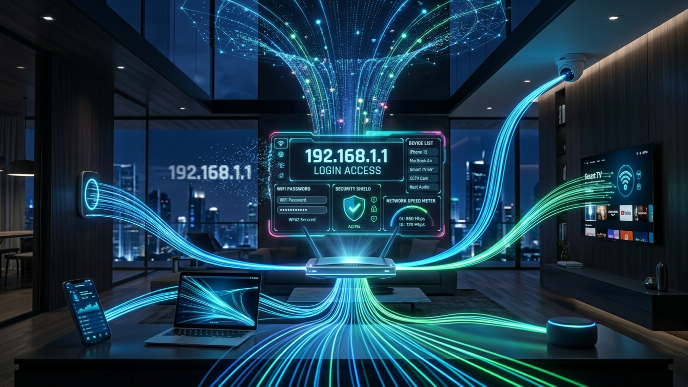
To access the router settings, users enter http://192.168.1.1 into a web browser’s address bar. This opens the router login interface where a username and password are required.
Once logged in, users can access various configuration options such as WiFi name (SSID), password settings, parental controls, and security configurations. Most routers come with default credentials like “admin/admin,” although these should be changed for security reasons.
If the page does not load, it often means the device is not connected to the correct network or the router uses a different gateway address such as 192.168.0.1 or 10.0.0.1.
Difference Between 192.168.1.1 and 192.168.l.1
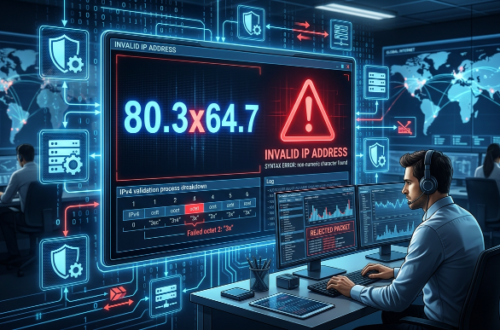
A very common mistake users make is typing 192.168.l.1 instead of 192.168.1.1. However, “l” is not valid in IP addressing because IP addresses only contain numbers.
An IP address consists of four numerical segments called octets, and each must be between 0 and 255. Using a letter makes the address invalid, which results in browser errors or failed login attempts.
This confusion happens because the lowercase letter “l” looks similar to the number “1” in many fonts, especially on mobile devices and routers.
Common Problems When Accessing 192.168.1.1
One of the most common issues is entering the wrong IP address format. Even a small typo like extra spaces or wrong digits can prevent access to the router page. Another common issue is being connected to the wrong WiFi network, such as a guest network or mobile hotspot.
Sometimes the router may also use a different default IP address, so 192.168.1.1 may not work for all devices. In such cases, users need to check the router label or network settings to find the correct gateway.
Browser cache or firewall settings can also occasionally block access to the router login page, causing confusion among users.
Importance of Router Admin Panel
The router admin panel accessed through 192.168.1.1 is a powerful control system for managing your network. It allows users to modify WiFi settings, improve security, and monitor connected devices.
From a security perspective, it is important because unauthorized users can potentially change network settings if default credentials are not updated. This is why experts recommend changing default login details immediately after setup.
It also helps in troubleshooting issues like slow internet, weak signals, or unknown connected devices.
Security Risks and Best Practices
Since 192.168.1.1 provides access to sensitive network settings, it is a target for unauthorized access attempts if not properly secured. Leaving default credentials unchanged is one of the biggest security risks.
Experts recommend using strong passwords, enabling WPA2 or WPA3 encryption, and regularly updating router firmware. These steps help protect your home network from intrusions and data misuse.
It is also important to ensure that remote administration is disabled unless absolutely necessary, to reduce external access risks.
Why Understanding 192.168.1.1 Matters
Understanding 192.168.1.1 helps users take full control of their internet connection. It is not just an IP address but a gateway to managing how your network operates.
From improving WiFi performance to securing your personal data, the router admin panel plays a critical role in modern digital life. Knowing how to use it properly helps avoid common network issues and improves overall internet experience.
As more devices connect to home networks, understanding router configuration becomes increasingly important for both performance and security.
Conclusion
The IP address 192.168.1.1 is a key component of home and office networking systems, acting as a default gateway for accessing router settings. It is often misunderstood due to typing errors like 192.168.l.1, but it remains one of the most important addresses in private networking.
By understanding its purpose, login process, and security importance, users can better manage their internet connection and protect their network from potential risks. Whether for troubleshooting or configuration, 192.168.1.1 remains an essential tool for controlling modern internet systems.